
A well-organised IT infrastructure is not just about servers, switches and network technology. Where they are housed also plays an important role.
Whether in a small office, a server room or a data centre: 19-inch racks and server cabinets provide the physical framework for a structured IT environment. But not all racks are the same – and what may look like a simple cabinet at first glance must meet a wide range of requirements in day-to-day operation.
A rack is a frame or cabinet in which IT equipment such as servers, switches, routers and UPS units can be housed in a space-saving and organised manner. It ensures that the hardware is arranged in a structured way and makes installation, cabling and maintenance easier. Racks are primarily used in corporate networks, server rooms and data centres.
19-inch racks, which have a standardised installation width, are particularly common. The 19 inches (48.26 cm) refer to the width of the front of the equipment or the mounting level, and not to the external width of the cabinet. The available installation height is specified in height units (HU), with one HU equalling exactly 44.45 mm. Thanks to this standardisation, different IT components can be combined within a single rack, provided that the installation depth, mounting method and load capacity are also compatible.
Not every rack is suitable for every IT environment. Depending on the existing hardware, available space and security and maintenance requirements, different designs may be appropriate. The most common types of racks include server cabinets, network cabinets, open racks and compact wall-mounted enclosures.
| Rack type | Features | Advantages | Typical applications |
|---|---|---|---|
| Server cabinet | Often features a large installation depth and high load-bearing capacity | Space for extensive server hardware, secure housing | Server rooms, data centres |
| Network cabinet | Designed for network equipment and cabling | Structured cable routing, centralised organisation | Offices, corporate networks |
| Open-frame rack | Rack without doors or side panels | Good accessibility, often more cost-effective, unobstructed air exchange with the room | Protected technical rooms, test environments |
| Enclosed rack | Enclosure with doors and side panels | Better access protection; allows for targeted airflow | Server rooms, shared areas |
| Wall-mounted enclosure | Compact design for wall mounting | Space-saving, no floor space required | Small offices, branch offices, network nodes |
Note: The categories overlap to some extent. ‘Server’ and ‘network’ cabinets primarily describe the intended use, whilst ‘open’, ‘enclosed’ and ‘wall-mounted’ refer to the design.
The decisive factor is not simply the name of the rack, but whether it meets the technical requirements of the existing IT hardware. Whilst a compact wall-mounted enclosure is often sufficient for smaller network installations, large-scale server installations usually require larger floor-standing racks with the appropriate installation depth and load-bearing capacity.
The installation location also plays a role: open racks facilitate access to the equipment but offer little protection against unauthorised access. Enclosed server cabinets, on the other hand, are often the better choice when hardware needs to be protected and airflow needs to be carefully managed.
The right rack size depends on which and how many devices are to be housed in it. A rack that is too small makes subsequent expansion and cabling more difficult, whilst an oversized server rack can take up unnecessary floor space. The key factors for making the right choice are, above all, the height units (HU), the rack width, the installation depth and the load capacity.
The height of a 19-inch rack is specified in units of height (U). The more units of height a rack has, the more space is available for mounting hardware.
To determine the required rack height, add together the height units of all the planned devices. In addition, sufficient space should be allowed for accessories, any necessary clearances and future expansions.
| Rack height | Typical applications |
|---|---|
| 6–12 HE | Small network installations, routers, switches and patch panels |
| 15–24 HE | Small to medium-sized business networks with multiple devices |
| 27–42 HE | Larger server and network installations |
| 45–47 HE | Extensive IT infrastructures requiring a great deal of space |
Calculation example: A company wishes to house two switches (each 1U), a server (2U), a UPS (2U) and two patch panels (each 1U). Together, this amounts to a space requirement of 8U. If a further 4U is set aside as reserve, a rack with a minimum capacity of 12U would be a possible choice, provided that the load capacity, installation depth and other requirements are met.
In a standard 19-inch rack, the width of the mounting level is standardised. The 19 inches correspond to 48.26 cm and refer to the standardised installation dimension, not the external width of the cabinet.
For free-standing server cabinets, two external widths are particularly common:
The depth of a rack must be tailored to the longest or deepest pieces of equipment. Whilst compact network devices often take up little space, rack-mounted servers and larger UPS systems often require significantly more installation depth.
Typical external depths for server cabinets are 600, 800, 1,000 and 1,200 mm. Compact wall-mounted enclosures are also frequently available with depths of 450 or 600 mm.
Important: The specified cabinet depth usually corresponds to the external dimension and not necessarily to the usable installation depth. Therefore, before purchasing, you should check the dimensions of the equipment, the adjustment range of the mounting rails and the space available for connections or cables.
In addition to the dimensions, the weight of the installed equipment plays an important role. Servers, storage systems and UPS units in particular can have a high total weight.
The rack’s permissible load capacity must therefore be sufficient to safely support all equipment, including accessories. A distinction should be made between the static load capacity when the rack is in place and, where applicable, the specified dynamic load capacity during transport or movement. Heavy components are generally mounted as low down as possible to keep the centre of gravity low.
Whilst compact design and easy assembly are often the main priorities for smaller installations, load capacity, cable management and expansion options are the key factors for large-scale server installations. Manufacturers such as APC, Eaton and Vertiv offer a range of rack series designed to meet these specific requirements.
APC’s 19-inch racks are suitable for a variety of IT environments. The Easy-Rack series, in particular, offers a practical solution for businesses wishing to house servers, switches or other network devices in a centralised location. Adjustable mounting rails, cable grommets and the option to integrate rack accessories make it easy to adapt the racks to existing hardware.
For decentralised IT sites and edge computing applications, APC also offers the Easy Micro Data Centre series. Depending on the model, these pre-configured solutions combine power supply, cooling and monitoring components within a single rack enclosure.
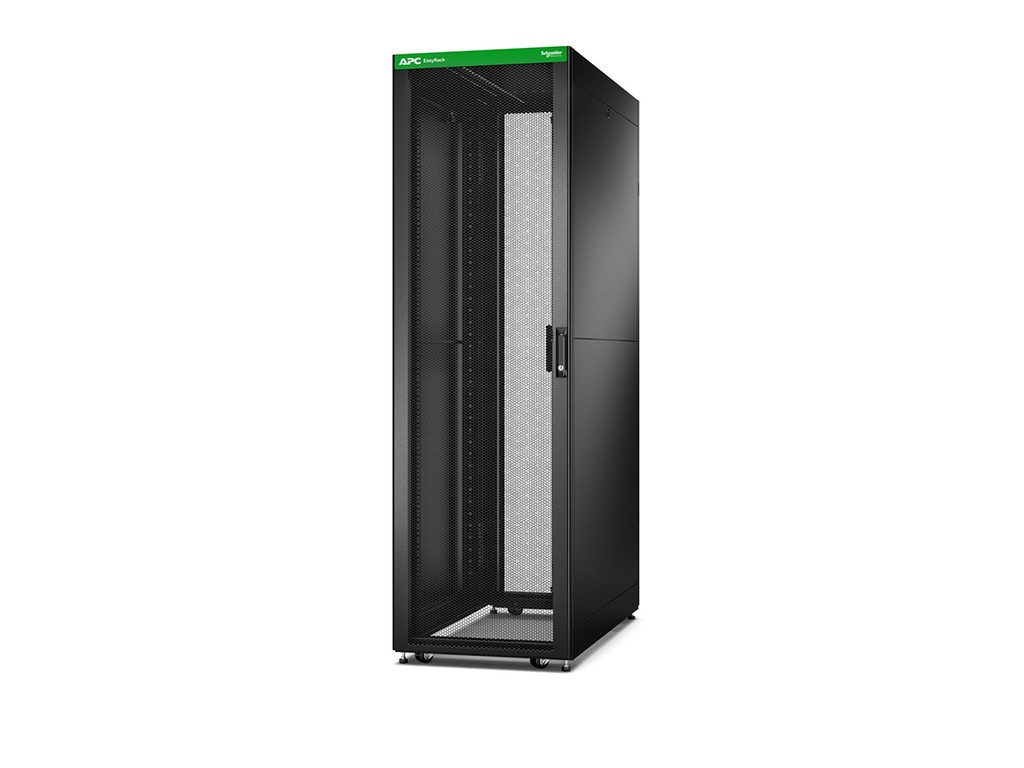
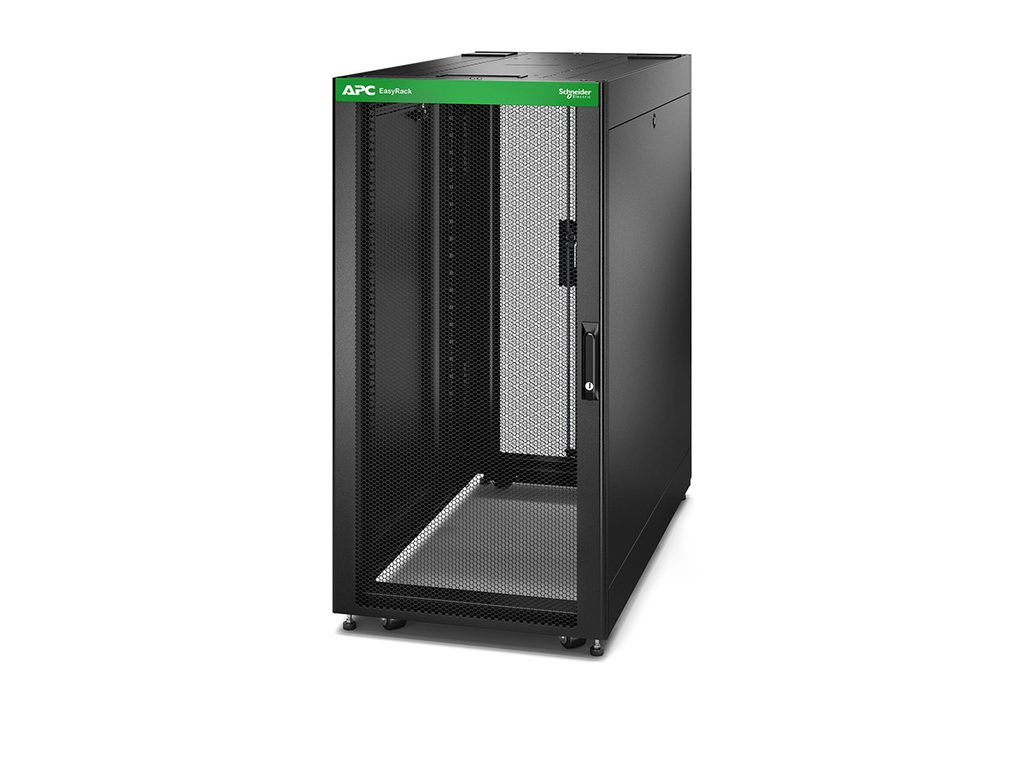
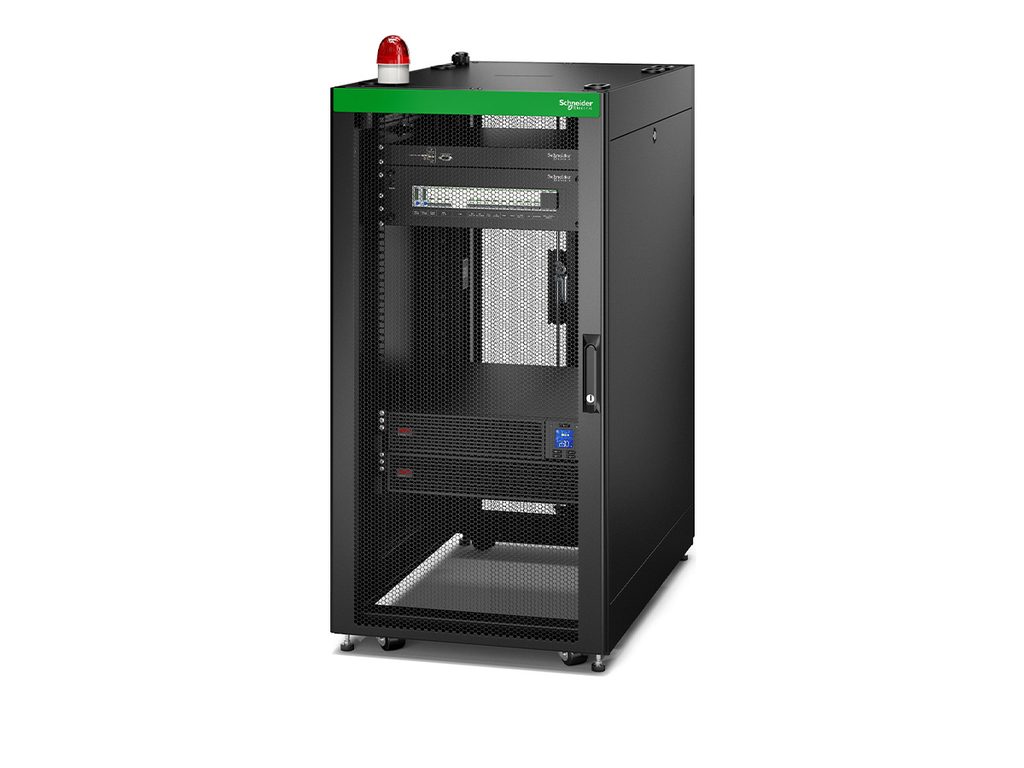
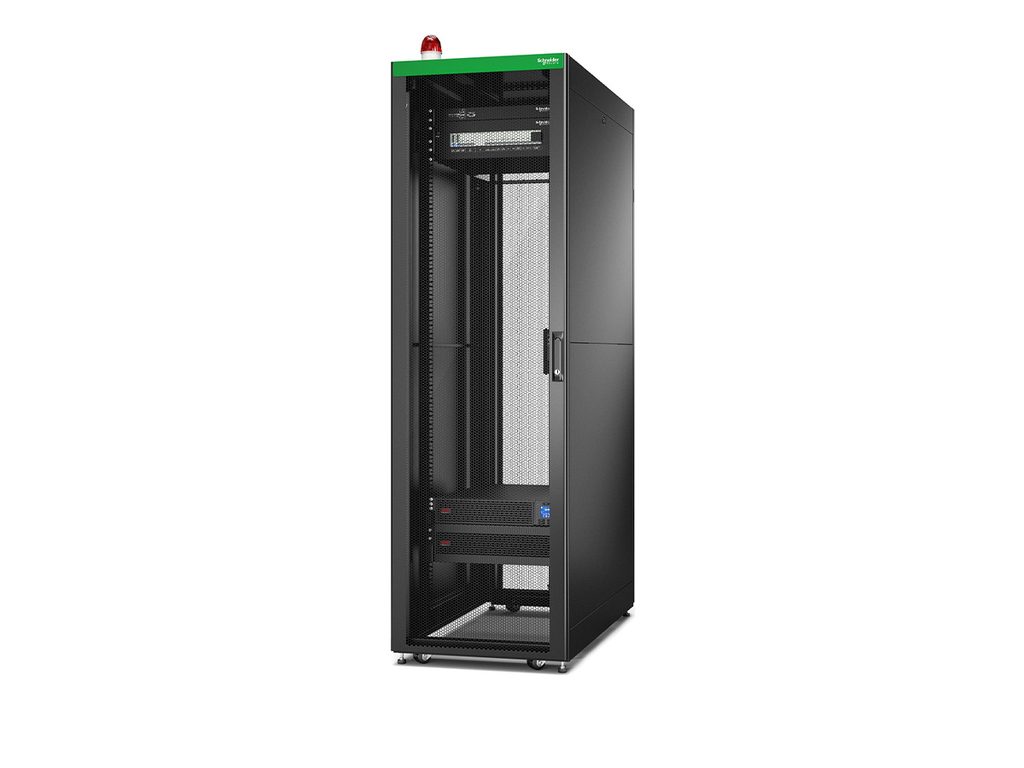
You can find further models under APC Racks and Cabinets.
Eaton’s racks offer a range of solutions for housing network equipment, servers and UPS systems. The SmartRack series, in particular, comprises various sizes, making it suitable for both small IT installations and more extensive server environments.
For locations with limited space, Eaton also offers the SRW range. This comprises compact, predominantly wall-mounted rack enclosures, which are suitable, for example, for offices, retail spaces or smaller network distribution centres.
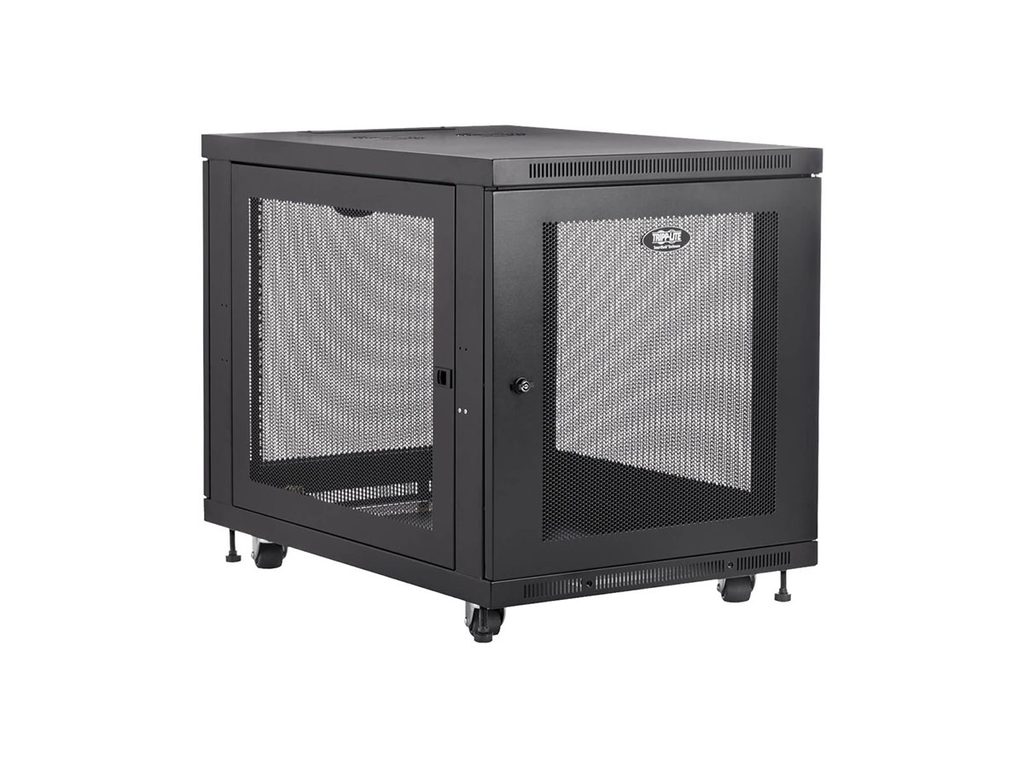
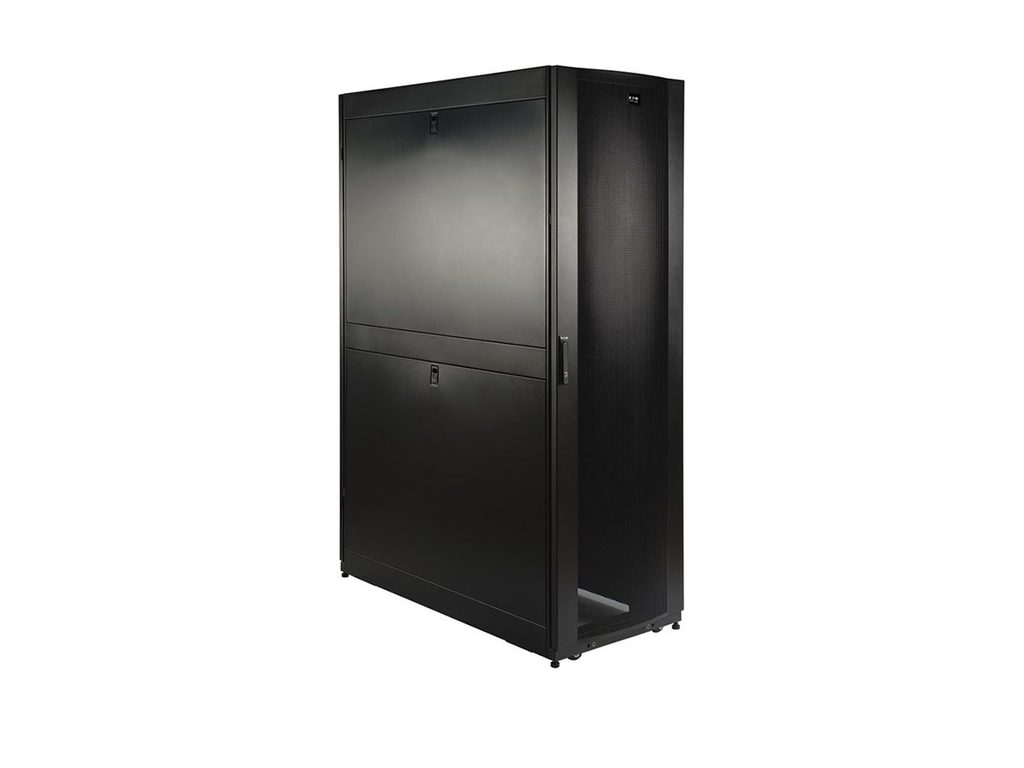
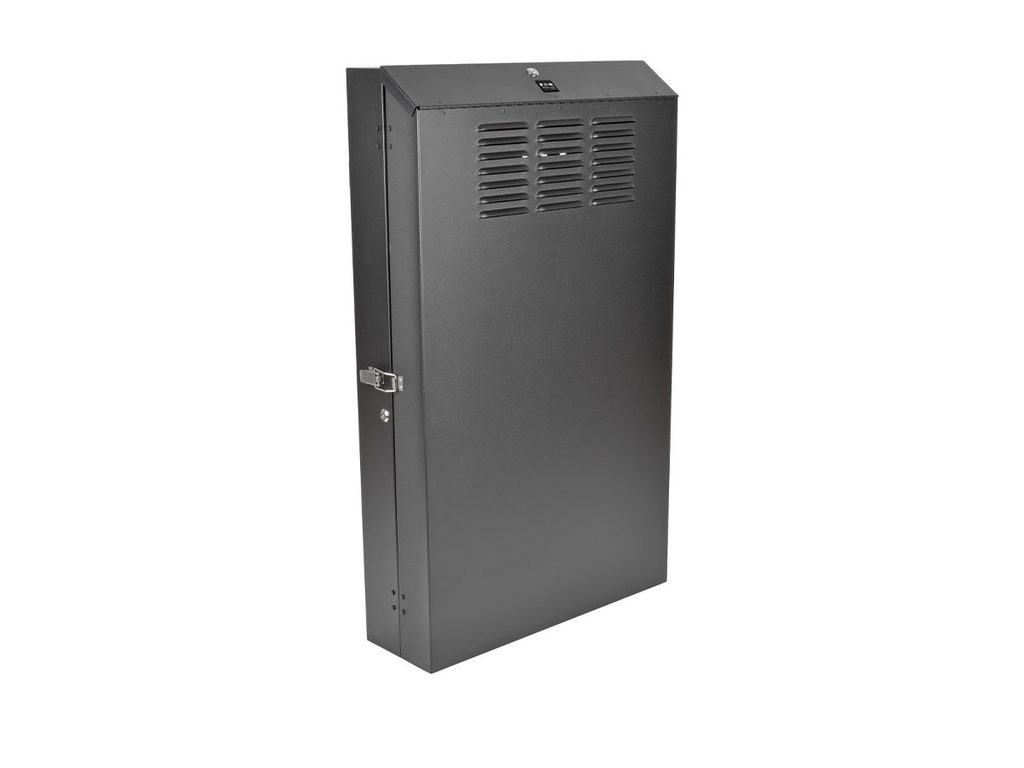
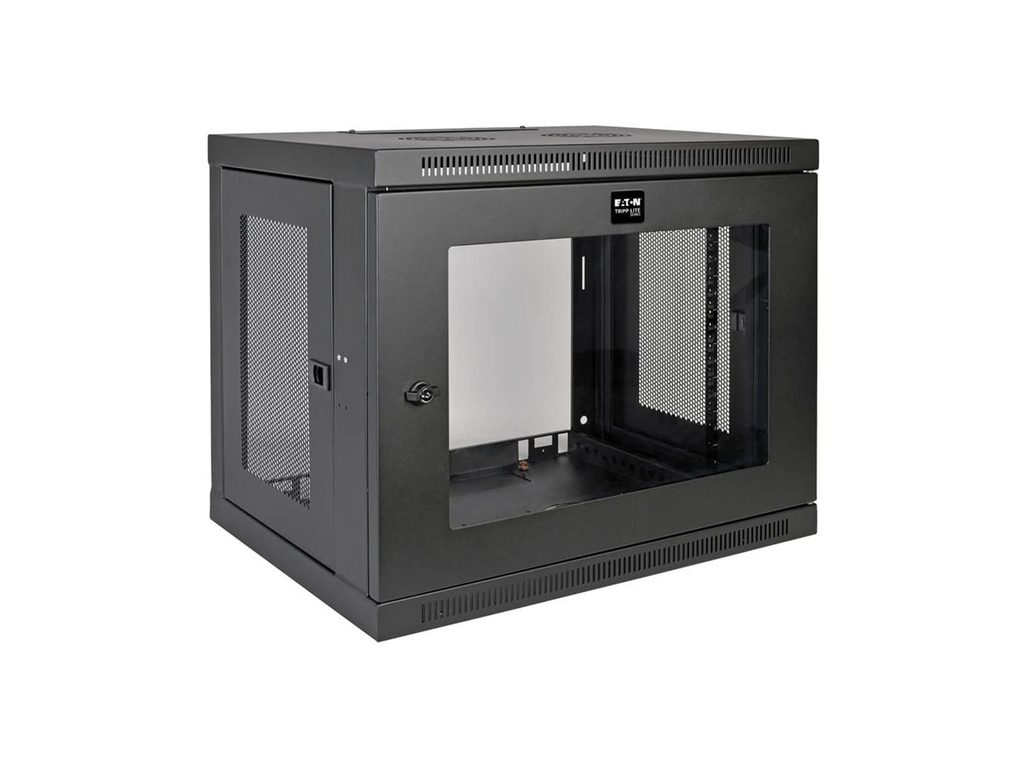
You can find further details under Eaton Racks.
Vertiv’s 19-inch racks are designed specifically for businesses with extensive server, network and storage installations. The Vertiv VR series combines high load-bearing capacities with a range of cabinet dimensions and options for structured cable management. Depending on the model, the racks can also be integrated into data centre designs featuring separate supply and exhaust air systems.
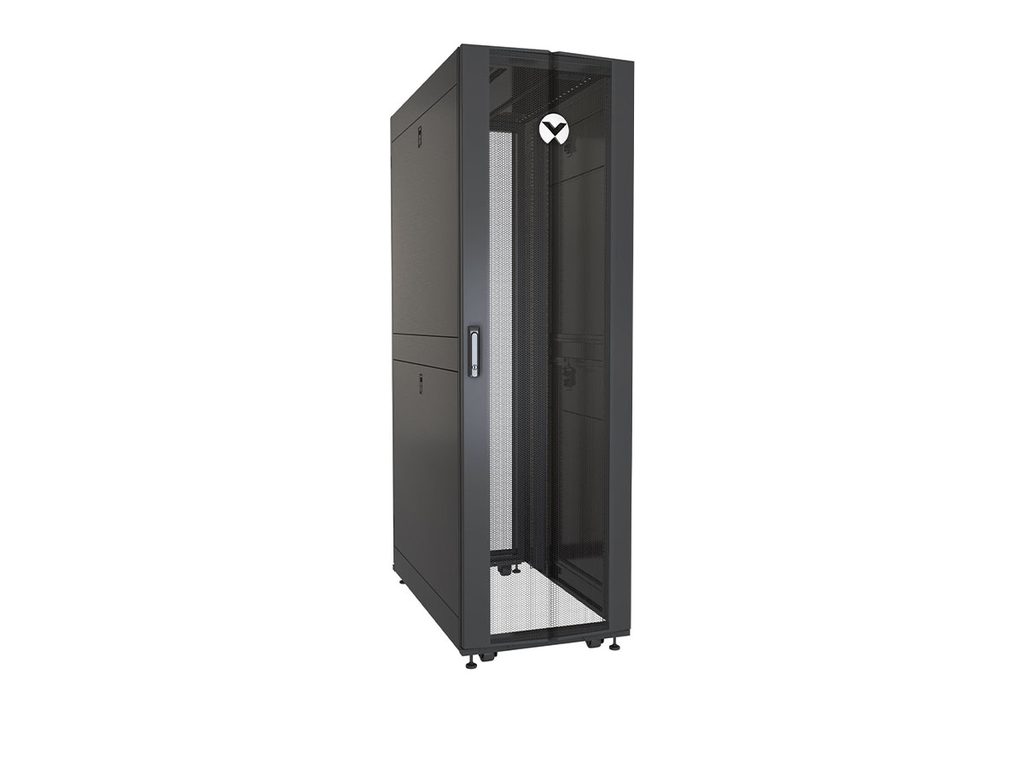
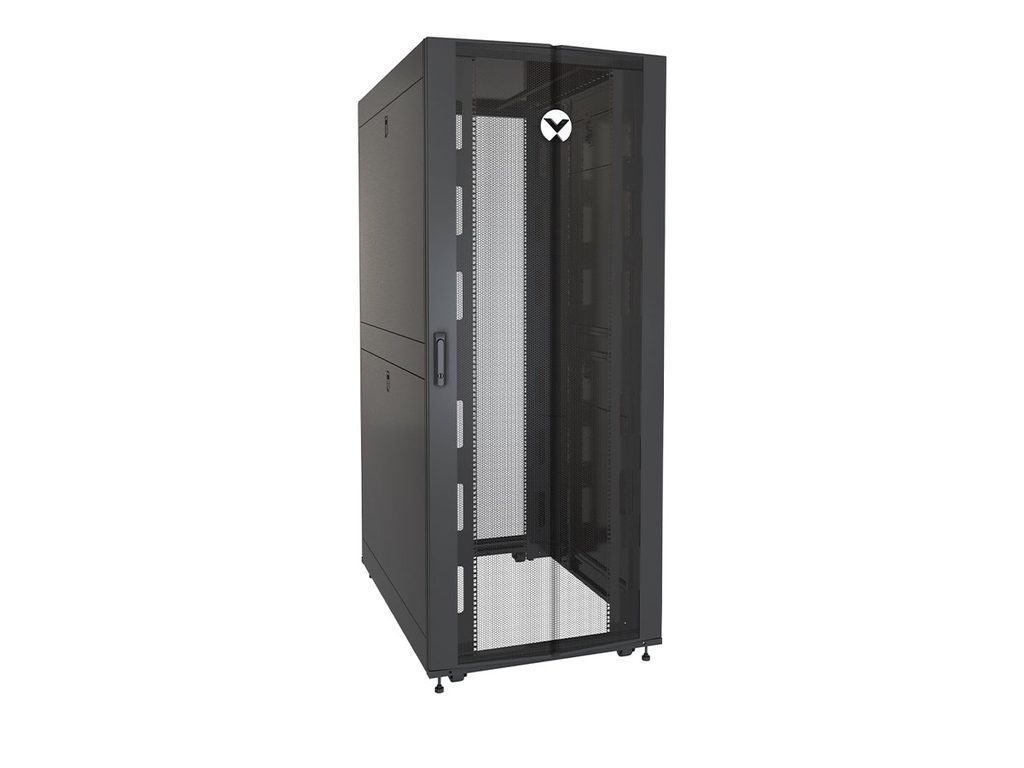
You can find more models under Vertiv Racks.
| Applications | Possible rack options |
|---|---|
| Small Business Network | Eaton SmartRack SR12UB |
| Small to medium-sized server room | APC Easy Rack ER6402 |
| Enterprise IT | APC Easy Rack ER6202 |
| Server room with many deep units | Eaton SmartRack SR42UBDP48 |
| Data centre with extensive cabling | Vertiv VR3350 |
However, additional rack accessories are often required to ensure that servers, switches and other devices can be securely mounted, powered and neatly cabled. Which components form part of the basic setup depends on the hardware installed and the specific application.
Shelves and mounting rails
Cable management
Power strips and rack PDUs
Blind plates and fan units
UPS systems for power supply protection
| Accessories | Example from the shop | Uses |
|---|---|---|
| Shelf | APC ER7SHELF | Adjustable shelf for APC Easy Racks, with a specified load capacity of 50 kg |
| Cable protection | APC AR7540 | Keeps cables tidy and protects them from excessive kinking |
| Cable management | APC AR7502 | Vertical cable manager for NetShelter SX with 42 U |
| Mounting rails | APC AR4000MV12U | Mounting rail kit for compatible APC CX Mini Racks |
| Blanking plates | APC AR8136BLK200 | Covering empty height units in the rack |
| Fan unit | APC ER7FANTRAY | Fan tray for compatible Easy Racks |
| Rack PDU | Power strips and PDUs | Centralised power distribution in the server rack |
| UPS systems | UPS systems | Temporary power supply in the event of a mains failure |
Servers, switches, UPS systems and other IT equipment generate heat during operation. If this heat is not adequately dissipated, the temperature inside the rack can rise, impairing the hardware’s performance. A well-designed rack cooling system helps to prevent overheating, temperature-related performance losses and unplanned downtime.
However, it is not just a matter of adding extra fans. It is crucial that the devices can draw in sufficient cool air and that their warm exhaust air does not recirculate back to the intake side. The room temperature, the layout of the hardware and the design of the rack also influence cooling.
Many rack-mounted servers operate on the front-to-back principle: they draw in cooler air at the front and expel heated air at the rear. For this principle to work, air pathways must remain unobstructed and the intake and exhaust air should be kept as separate as possible.
The following measures can help:
| Product example | Function |
|---|---|
| APC ER7FANTRAY | Fan module for compatible APC Easy Racks to facilitate air circulation |
| APC ER7BP1U | 1-HE blanking plates for covering empty rack bays |
| Vertiv VRA2003 | Metal blanking plates to facilitate controlled airflow |
| Vertiv VRA2006 | Brush set for cable entry points in the rack top |
Whether it’s a compact network rack or a large server cabinet, it is crucial that the size, load capacity, accessories and cooling are tailored to the hardware being used. By also taking into account the installation location, security and potential for future expansion, you can lay a suitable foundation for a well-organised IT infrastructure.
Are you looking to buy a 19-inch rack or a server cabinet? Discover a selection of racks and matching accessories from APC, Eaton and Vertiv at IT-Planet to suit a range of requirements – from small business networks to data centres. Simply enquire via our enquiry form.