
Fast, stable and secure internet access is essential for businesses today. However, with so many routers available, choosing the right one can quickly seem complicated.
This router guide provides all the key information you need to choose the right router. We explain the different types of routers and their uses, so you can select the right device for your needs and your network.
A router is a network device that controls and forwards communication and data traffic between different devices. It connects a local network to the internet and operates at Layer 3, i.e. the data link layer of the OSI model. This means that it connects devices across different IP networks and enables communication that is both temporally and logically separated.
Incoming information from the internet is analysed by the router and then forwarded to the correct device on the local network. Conversely, it ensures that data from the local network finds its way to the internet.
Routers are usually equipped with multiple network ports for LAN and WAN connections. They also have a processor that processes incoming data packets and makes the necessary routing decisions. Routers are used in both home networks and corporate networks.
Routers perform several key functions to control and secure data traffic between different networks. Their most important tasks include:
A router functions as an intelligent data distributor within a network. Its role is to receive data packets from different networks, analyse them, and forward them to the correct destination. In doing so, it utilises various techniques such as routing tables, routing protocols and network information.
As soon as a device on the local network sends a request to the internet, this request first reaches the router. The router checks the destination address of the data packet and, based on its routing information, decides which route is the most efficient for forwarding the data. The fastest transmission route is selected.
Put simply: when you visit a website, for example, your device sends a request via the router to the internet. The relevant server processes this request and sends the requested data back. The router receives the response and forwards it to the correct device on the local network. This process usually takes just a few milliseconds and runs unnoticed in the background.
The speed of your internet connection depends primarily on the connection itself, not directly on the router – for example, whether it is a DSL, cable or fibre-optic connection. Also the router is primarily responsible for managing and forwarding data, and generally only affects the speed if it lacks sufficient capacity or if a large number of devices are connected at the same time.
There are various types of routers, which can make it easy to lose track of the options and complicate the process of choosing the right device. Routers differ primarily in terms of connection type, intended use and functionality.
Routers are generally available in various configurations:
| Router type | Description | Advantages and applications |
|---|---|---|
| Cable router | Internet via coaxial cable | Offers stable, high-speed connectivity and LAN ports for devices, but is less suitable for mobile devices such as smartphones |
| DSL router | Internet via a telephone line (ADSL/VDSL) | Standard router and widely used; available as a combined device with Wi-Fi and an integrated modem |
| Fibre-optic router | For internet connections via fibre-optic cables | Often connected to an Optical Network Terminal (ONT); offers very high bandwidths and fast data transfer rates |
| LTE/5G router | Internet via mobile network using a SIM card | Portable and ideal for locations without a landline connection |
| Router type | Description | Advantages and applications |
|---|---|---|
| Wi-Fi router | Wireless connection for devices | Uses standards such as Wi-Fi 6; equipped with multiple antennas for better range |
| Modem-router combination | Modem and router in a single device | Saves on hardware; suitable for home networks and small offices |
| Mesh router | Multiple interconnected nodes | Unified Wi-Fi network; suitable for large flats and houses |
| VPN router | Secure connection via VPN | Encrypted communication between locations; suitable for use in corporate and home office environments |
| Router type | Description | Advantages and applications |
|---|---|---|
| Home router | Often a combined device featuring Wi-Fi, a switch and a modem | Easy to set up and user-friendly to manage; suitable for private households and small networks |
| Enterprise/Business Routers | High performance for large data volumes and a large number of users | Advanced security features; suitable for businesses and network infrastructures |
| Mobile router | Compact and portable router | Equipped with a rechargeable battery; internet access via mobile networks such as LTE or 5G |
| Core router | Located at the centre (core) of the network | High speed; high data traffic; used in large networks |
| Edge router | Located at the edge of the network | Communication with external networks; uses the Border Gateway Protocol (BGP) |
| Virtual routers | Software-based routers | Support for Virtual Router Redundancy Protocol (VRRP); use in virtualised or cloud-based networks |
JThe requirements for routers vary depending on the application, as different environments entail different technical specifications. Whilst routers in home networks usually only need to perform basic functions, more specialised applications impose higher demands. Fundamentally, routers must reliably process large volumes of data to ensure fast data transmission.
General requirements include:
In industrial networks, routers must be particularly robust and durable, as they are often used in harsh environments.
Typical requirements include:
Outdoor routers must, above all, be protected against the elements and ensure a stable connection.
Typical requirements include:
Routers used in vehicles or on public transport must be particularly robust and reliable.
Typical requirements include:
In unserem umfangreichen Produktportfolio bieten wir eine Vielzahl von Routern verschiedener Marken an. Im Folgenden finden Sie eine Auswahl an Routern für unterschiedliche Anwendungen.
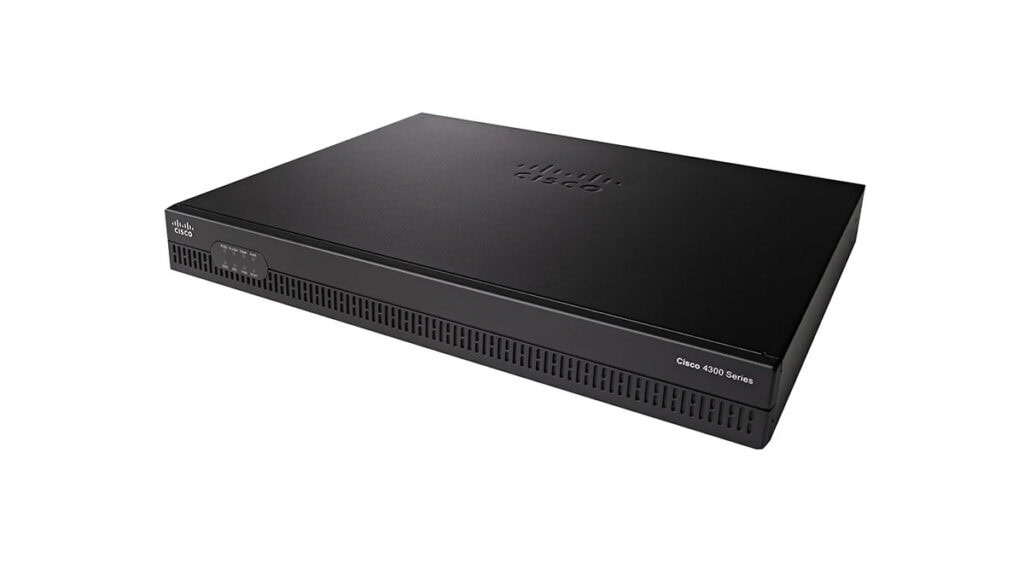
Cisco routers are powerful and reliable networking solutions for the telecommunications industry and corporate networks. With features such as integrated VPN technologies, low power consumption, and simple setup and operation, they meet a wide range of security and performance requirements. The routers are also characterised by their compact design and energy-efficient operation.
Cisco’s Integrated Services Router (ISR) Series comprises high-performance enterprise routers designed specifically for branch offices and corporate networks. They combine routing, security features, VPN, WAN connectivity and other network services on a single platform.
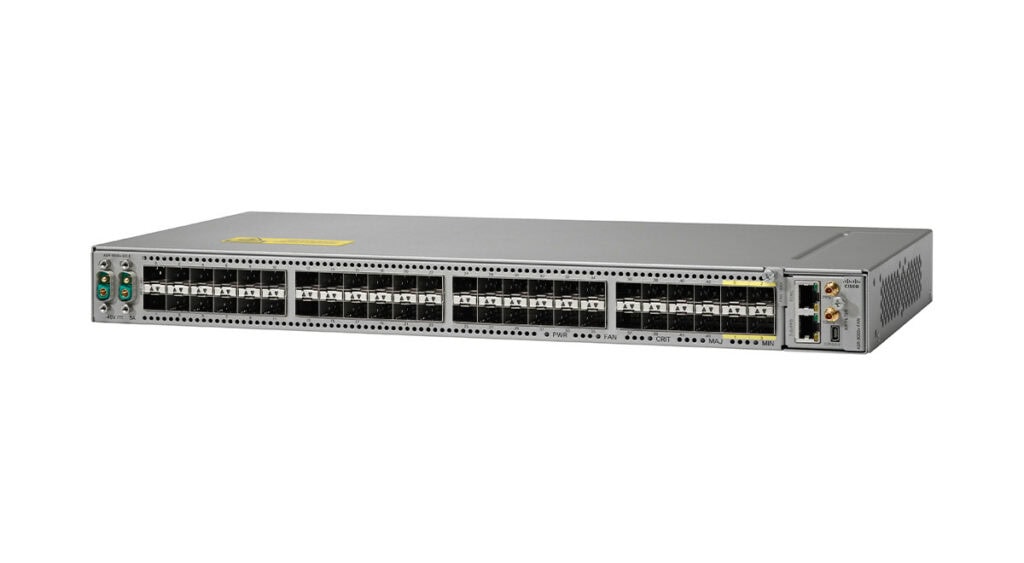
The Cisco Aggregation Services Router (ASR) Series comprises high-performance, modular router solutions designed for service providers and large enterprise networks. They combine routing and switching functions, support high data bandwidths and enable the deployment of software-defined networks.
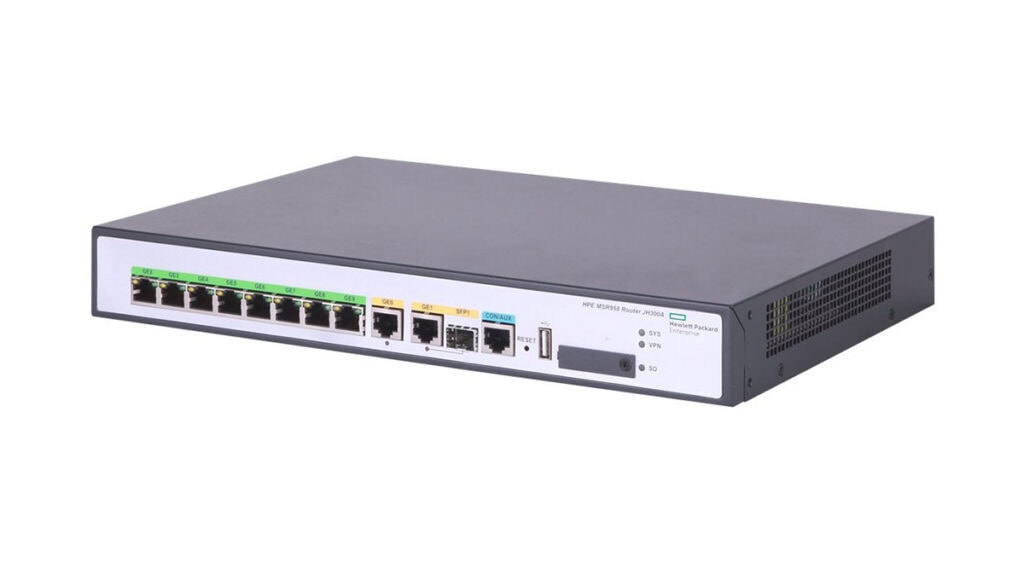
HPE Aruba routers deliver versatile and scalable networking solutions designed for security and high-speed data connections. They meet modern requirements such as cloud integration and modern WAN architectures, integrate seamlessly into existing networks, and are suitable for businesses of all sizes.
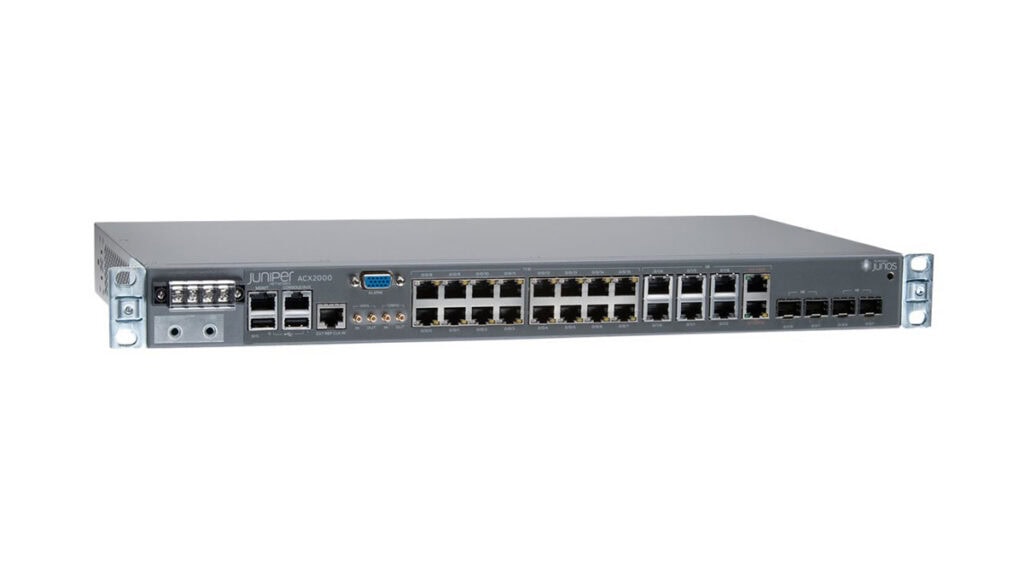
Juniper Networks routers offer high-performance networking solutions characterised by high scalability, flexibility and robustness. They ensure stable, efficient communication, support advanced automation and offer high capacity. Using modern technologies, they enable optimised network management and help businesses cope with growing data volumes.
The Juniper ACX Series offers compact, high-performance routers for service providers and 5G, cloud and edge applications. They combine high throughput, energy efficiency and scalability. Thanks to the proven Junos OS, open interfaces and automation features, ACX routers support modern network architectures.
The Juniper MX Series comprises high-performance, SDN-enabled routers for service providers and cloud operators. They offer high system capacity, density and security, and enable modern networks to operate at the highest performance levels.
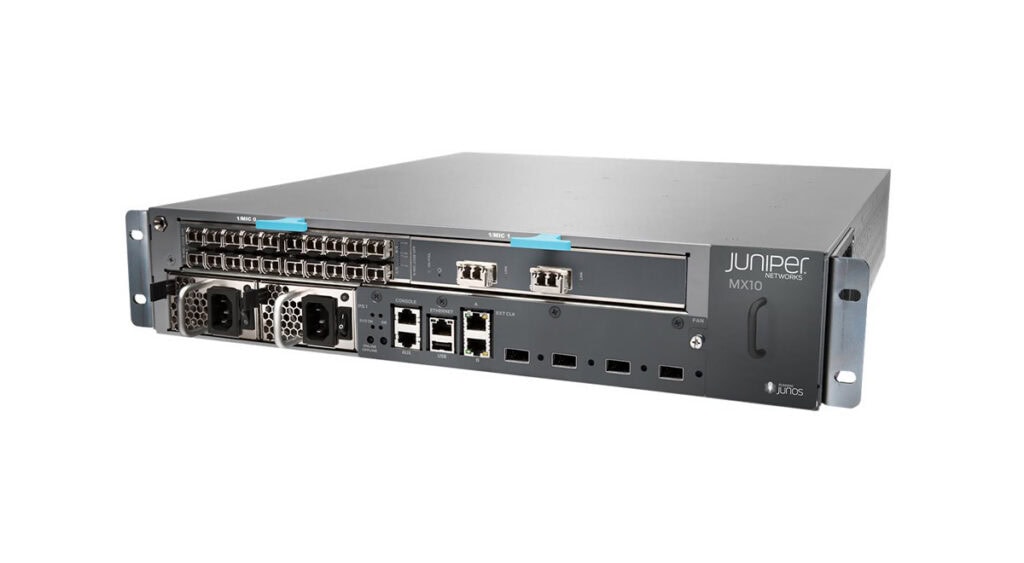
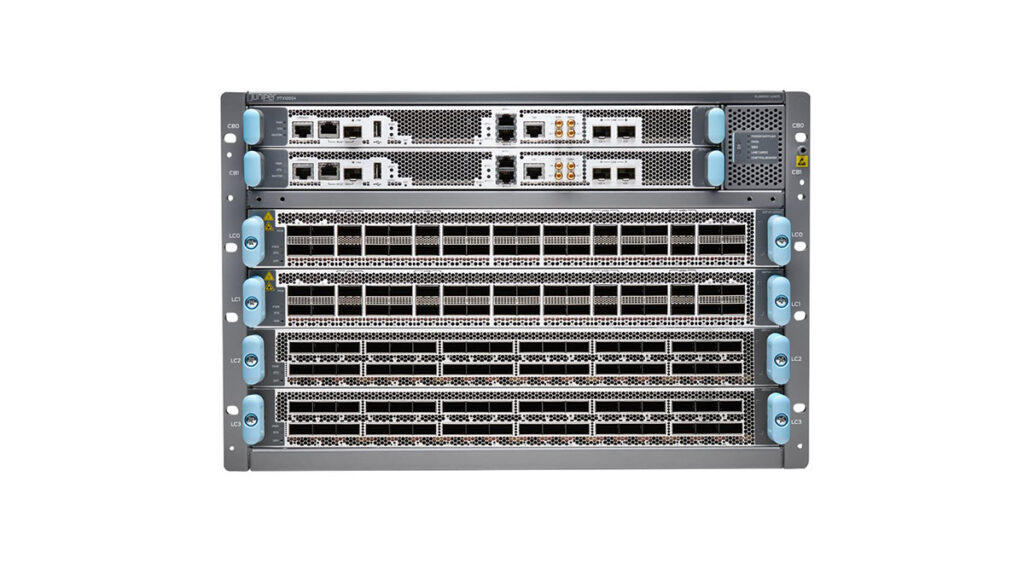
The Juniper PTX Series offers high-performance routers for WAN and data centre environments, delivering high capacity and energy efficiency. They support 400G and 800G technologies, offer integrated security features, and enable scalable networks for peering networks and cloud architectures.
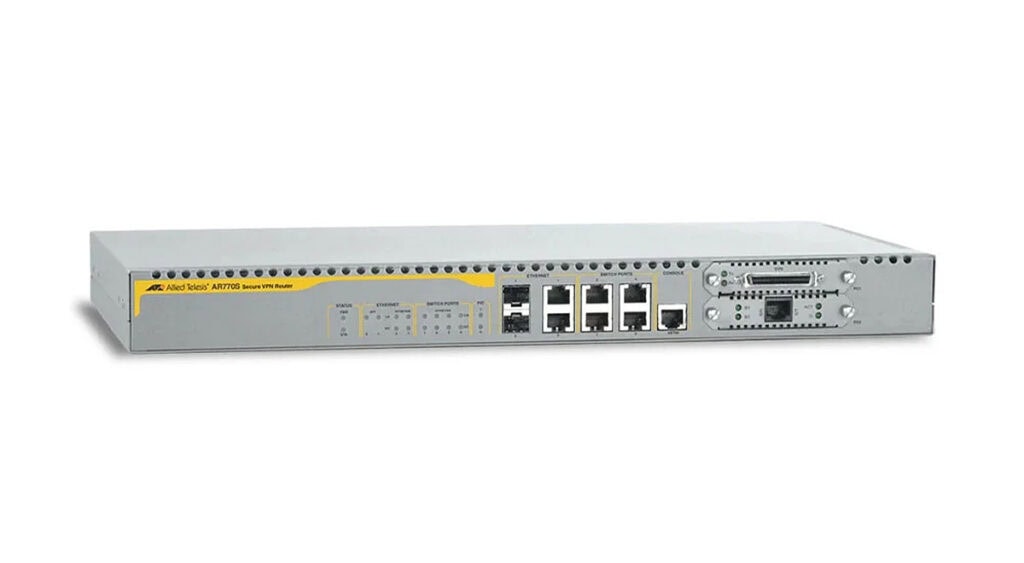
Allied Telesis routers offer high-performance, secure and scalable networking solutions for businesses of all sizes. With high throughput rates, advanced routing features, QoS support and built-in security mechanisms, these routers enable reliable connections for offices, data centres and industrial environments.
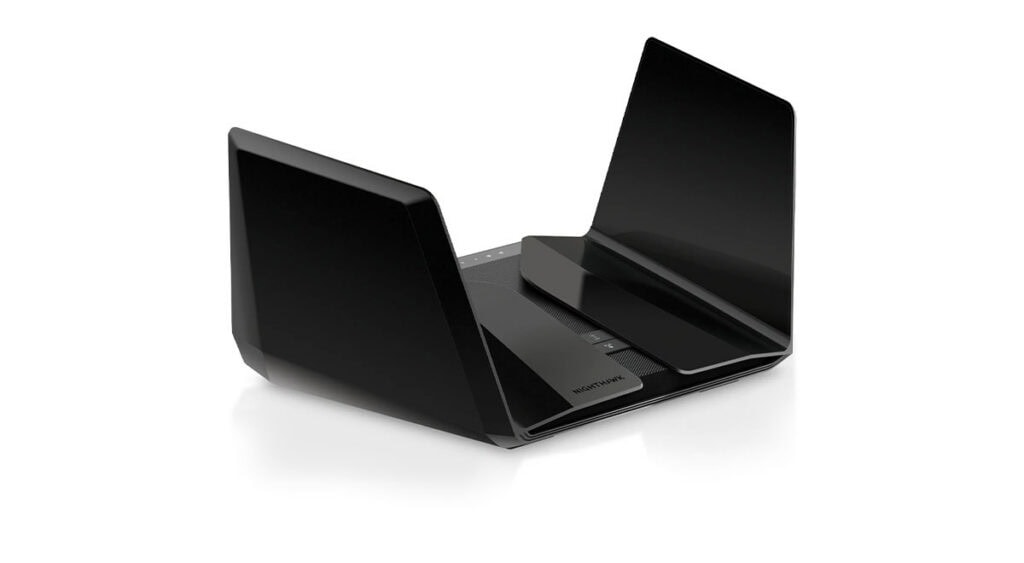
NETGEAR routers offer powerful, reliable and secure networking solutions for the home, home office and business networks. With high speeds, cutting-edge technology such as Wi-Fi 6, VPN support and advanced security management, they ensure stable and flexible network connections.
The NETGEAR Nighthawk Series offers high-performance routers for home offices, gaming, 4K/8K streaming and data-intensive applications. With Wi-Fi 6, multi-gigabit speeds and cutting-edge hardware technology, Nighthawk routers ensure fast network connections, even with many devices connected simultaneously.
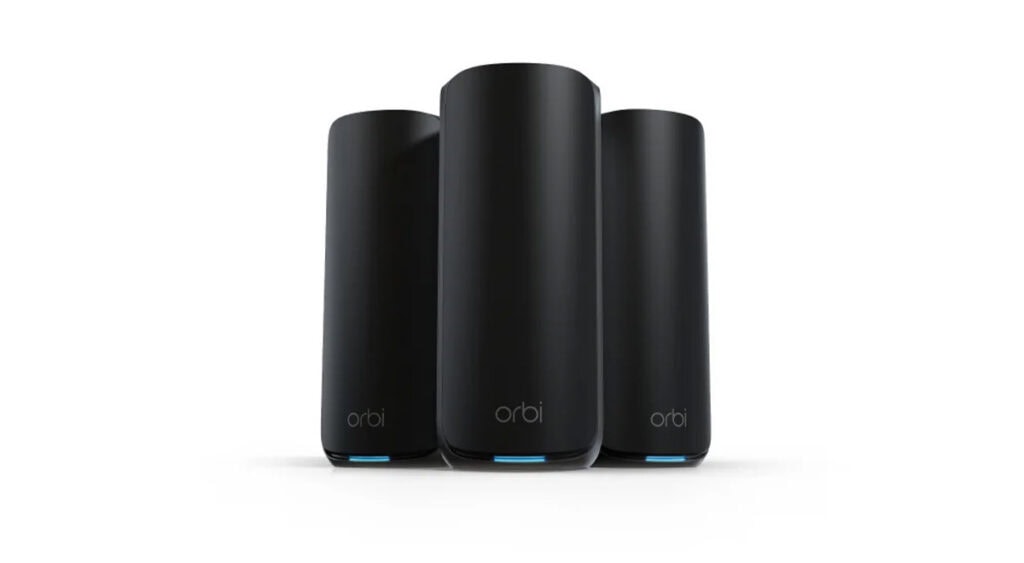
The NETGEAR Orbi Series offers high-performance, comprehensive Wi-Fi coverage with no dead spots. Thanks to advanced mesh technology, the router and satellites connect to form a stable, seamless, high-speed network, ideal for the home, home office or small businesses.
Teltonika routers offer robust, durable networking solutions for industrial, transport and smart city applications. With mobile connections ranging from 2G to 5G, Ethernet and Wi-Fi connectivity, as well as features such as failover, VPN and remote management, they ensure reliable and easy-to-integrate network connections.
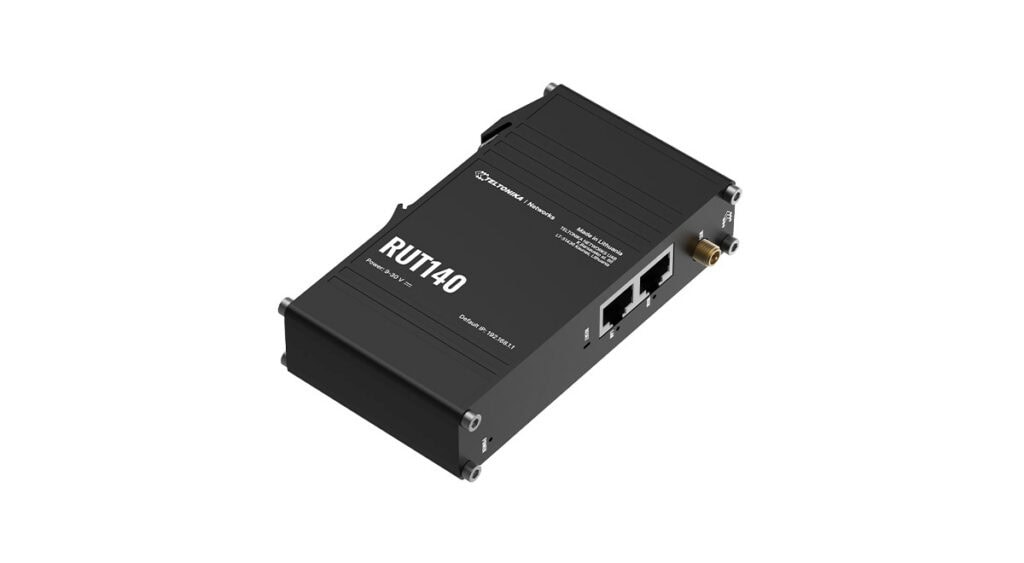
Teltonika network routers deliver reliable connections for industrial applications and IoT projects. With 4G LTE, 5G and Ethernet, they enable flexible network connections, even in demanding environments. Features such as dual-SIM support and automatic WAN failover ensure uninterrupted communication.
The Teltonika mobile routers offer powerful and versatile network connections for businesses that rely on reliable internet access even in challenging environments. With 4G LTE and 5G, dual-SIM functionality and Ethernet ports, they ensure stable connectivity, ideal for applications in transport, automation and IoT.
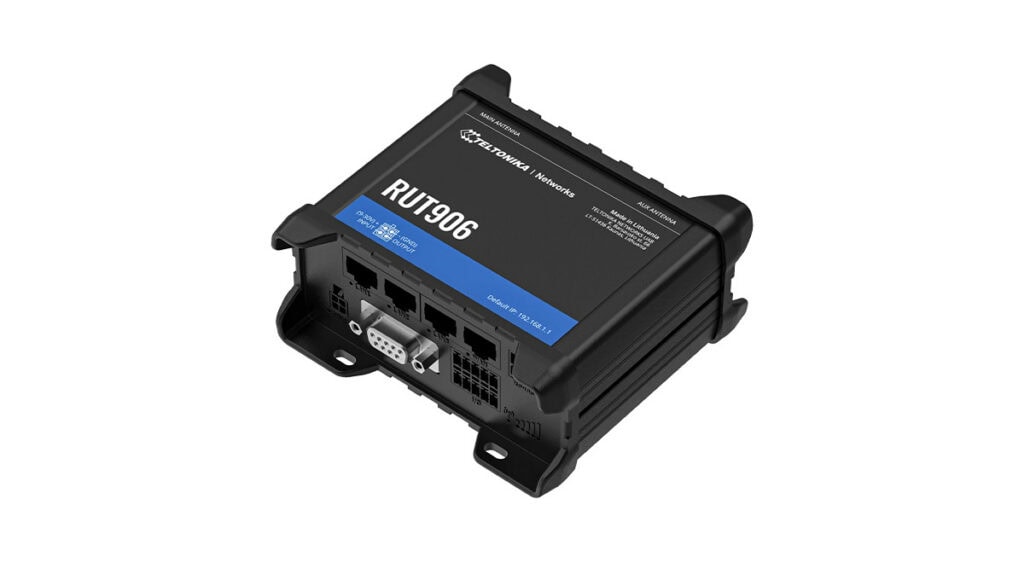
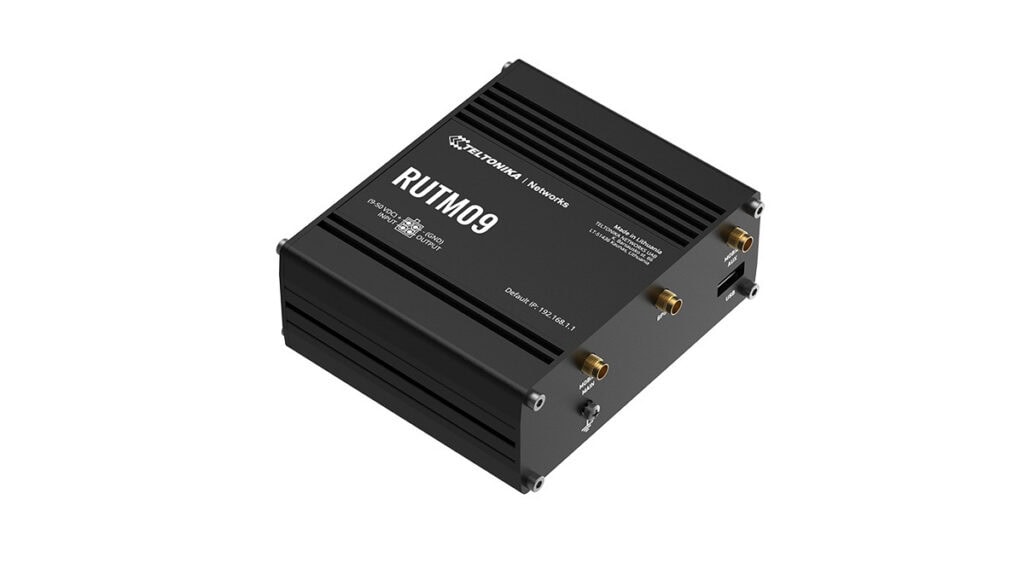
The Teltonika industrial routers provide high-performance network connections for industrial applications. With 4G LTE and 5G, dual SIM and remote management via the Remote Management System (RMS), they ensure reliable communication even in challenging environments. Thanks to their robust design, they are ideal for automation, remote monitoring and other industrial applications.
Routers share some similar functions with modems or switches, but cannot replace these devices as they perform different tasks within the network.
| Compare | Router | Other device |
|---|---|---|
| Router vs. Modem | • Distributes the internet connection across the local area network (LAN) • Forwards data to multiple devices • Enables simultaneous internet access for multiple devices |
Modem: • Establishes the connection to the internet service provider (ISP) • Receives and sends data • Converts the ISP’s signals for the local area network |
| Router vs. Switch | • Connects different networks to one another (e.g. LAN and the internet) • Uses IP addresses to forward data • Often supports additional features such as VPN, NAT or security functions |
Switch: • Connects multiple devices within a LAN • Routes data specifically between devices • Operates mainly at Layer 2 of the OSI model and uses MAC addresses |
| Router vs. Access Point | • Manages data traffic between networks • Provides internet connectivity within the network • Many models have built-in Wi-Fi capabilities |
Access Point: • Provides wireless Wi-Fi connections • Connects Wi-Fi devices to a wired network • Extends Wi-Fi coverage |
| Router vs. Firewall | • Routes data traffic between networks • May include additional security features |
Firewall: • Monitors incoming and outgoing data traffic • Controls connections based on defined security rules • Blocks unauthorised access and potential threats |
In many cases, routers and modems are combined into a single device. Many modern routers already have a built-in access point and can therefore also serve as a Wi-Fi access point. Furthermore, many routers have built-in firewall functions, meaning they can handle basic security tasks as well as routing.
! Nevertheless, all components continue to fulfil different functions within the network connection.
If you are looking to buy a router, there are various criteria to consider to ensure the device is ideally suited to your business’s needs.
Positioning and configuring routers correctly helps ensure a stable and fast internet connection. Where possible, the router should be placed on a stable table or shelf, rather than on the floor. A central location is also recommended to ensure that all devices on the network receive a good signal. Obstacles such as cupboards or other electrical appliances can interfere with the Wi-Fi signal.
When configuring the router, first connect it to the mains and then connect it to the internet via the appropriate connection type, such as DSL, cable or fibre optic. The router can then be switched on and set up.
Devices such as computers can be connected directly to the router via LAN ports for a more stable connection. Smartphones or tablets, on the other hand, connect to the network via Wi-Fi.
If you wish to access the user interface, this is done via a web browser by entering the router’s IP address. There, you can adjust important settings, such as changing the Wi-Fi name or setting a secure password. It is advisable to enable automatic updates to ensure the router is always up to date.
Network routers are a vital component of a company’s IT infrastructure. They ensure reliable communication between devices on the corporate network.
We hope our router guide has provided you with useful information. In our shop, you’ll find a wide selection of routers that are ideally suited to your company’s requirements, from well-known brands such as Cisco, HPE Aruba, Juniper and Teltonika.
Not sure which router is best for you? Our experts will be happy to advise you individually. Simply use our enquiry form or contact form – we’ll help you quickly and easily.

For a fibre-optic connection, you need a special fibre-optic router or a router with an Optical Network Terminal (ONT). This can efficiently handle the high bandwidths of fibre-optic connections.
Internet providers often supply a fibre optic modem, meaning that your existing router with a WAN port can still be used. If such a modem is not included, a dedicated fibre optic router is required.
A router with built-in security mechanisms is beneficial in any network, as it protects devices from unauthorised access and attacks from the internet.
The most important security features include:
The speed of your internet connection does not primarily depend directly on the router, but on the internet connection itself – in other words, whether it is a DSL, cable or fibre-optic connection.
The router’s main role is to manage and forward data. It usually only affects speed if its performance is insufficient or if a large number of devices are connected at the same time. This is often the case with outdated or poorly positioned routers, particularly in Wi-Fi networks. Devices can usually operate much faster via LAN connections.
A modern router, positioned centrally and optimally within the network, can deliver the full speed. However, if too many devices are connected at the same time, the bandwidth per device is reduced. Therefore, the router should be selected to suit the size and usage of the network in order to ensure a stable connection.
The number of devices that can be connected to a router depends heavily on the model and its performance.
Standard home routers can usually connect 20 to 30 devices via LAN, whilst 64 to 128 Wi-Fi connections are possible.
Modern high-end routers can easily manage over 100 devices simultaneously.
With mesh systems, the number of devices increases to 50 per node, allowing larger Wi-Fi areas to be covered.
Whilst the number of LAN ports is fixed, Wi-Fi connections are more flexible and depend on the available bandwidth.
The right router for your business depends on a variety of requirements:
Routers for small businesses and offices
In smaller networks, routers with basic functions are often sufficient. Wi-Fi routers or VPN routers are frequently used here, as they provide a stable internet connection and secure remote access.
Routers for medium-sized and large businesses
Larger businesses require more powerful devices with advanced features. These include, for example, enterprise routers, edge routers or VPN routers capable of handling high volumes of data.
Routers for industrial environments
Industrial routers are usually used in industrial plants or production environments. These are particularly robust, durable and resistant to dust and vibrations.
Routers for outdoor use
If routers are used outdoors, they should have weatherproof and UV-resistant casings. Special outdoor routers or industrial mobile routers are frequently used here.
Routers for mobile applications
LTE or 5G routers are suitable for mobile environments, such as in vehicles or for temporary installations. These provide a stable internet connection via the mobile network and are usually built to be particularly robust.
There are various types of routers, which differ mainly in terms of their connection type, technology and intended use.
Classification by connection type:
Classification by technology:
Classification by application:
In addition, there are specialised router types such as core routers, edge routers or virtual routers, which are primarily used in large network infrastructures.
Both components have different functions but perform similar tasks within the network: a modem is responsible for the connection to the internet and therefore communicates directly with the internet service provider. It receives and transmits data and translates the provider’s signals into a format that the devices on the network can read.
A router, on the other hand, distributes the internet connection within the local network and forwards the data to the connected devices via the most efficient transmission route. This allows several devices to access the internet simultaneously. In many cases, the router and modem are combined in a single device.
A router is a network device responsible for controlling and forwarding communication and data traffic within a network. It ensures that devices on a local network can access the internet and that data is forwarded to the correct recipients.
In doing so, the router analyses incoming information from the internet and forwards it to the correct device on the local network. Routing tables are used to determine the most efficient transmission path for the data traffic. Furthermore, many routers feature built-in security mechanisms that provide additional protection, as well as Wi-Fi capabilities that allow devices to connect to the network wirelessly.